Robb-e Documentation
Robb-e Documentation
Getting Started
Welcome to our platform! To get started, choose the plan that best fits your business needs. Whether you want to sell or resell software through our marketplace, or you’re looking for a centralized way to purchase, manage, and administer software for your company, we have a solution tailored for you. Select your preferred path below to explore the features, tools, and benefits designed specifically for your role and goals.
Registering a new Workspace
Workspace Registration:
- Select the "Sign up free" at the Robb-e website.
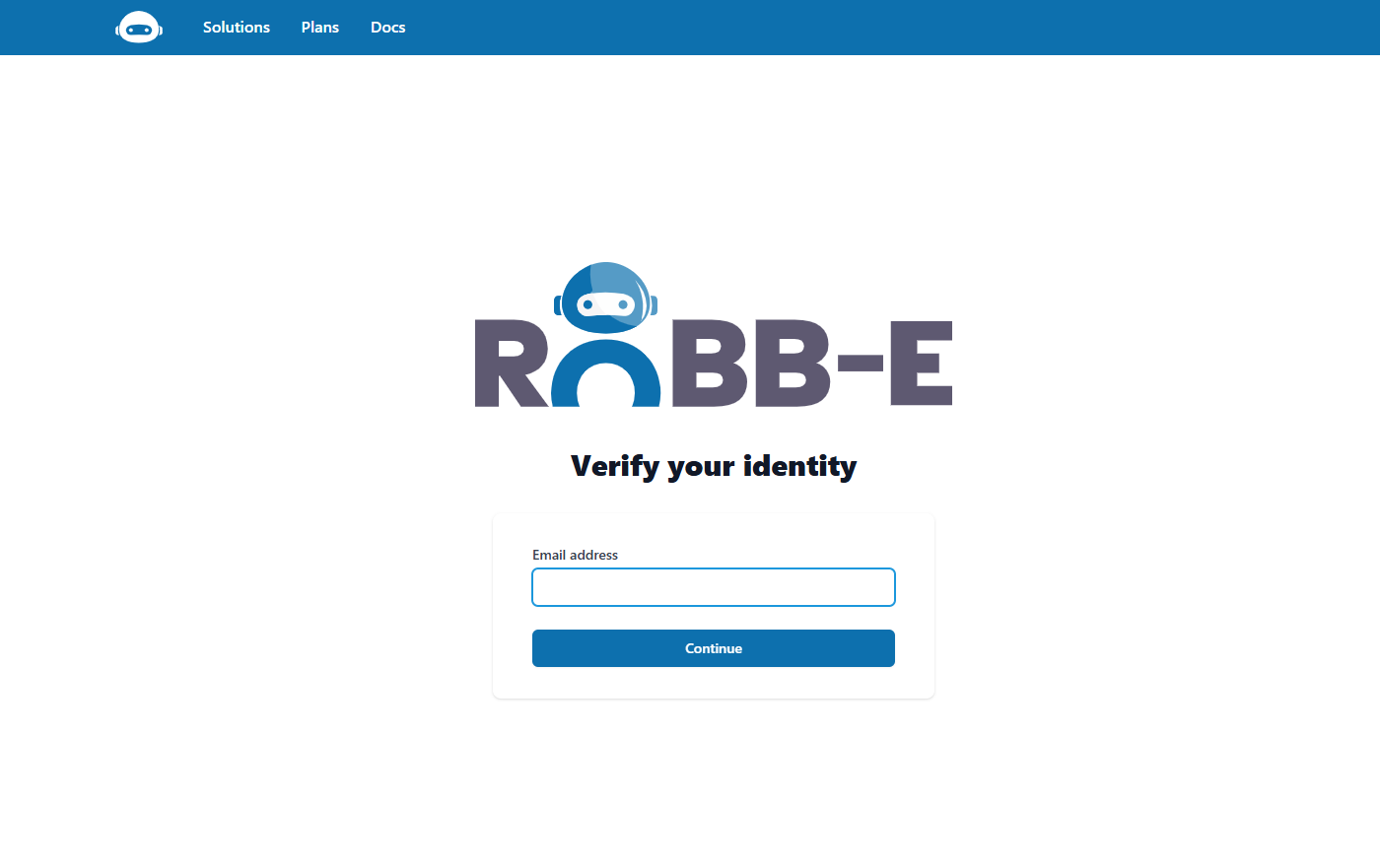
- Enter the email address that will serve as the main contact for your organization. Verification codes and important updates will be sent to this address, so it should preferably be your business email.
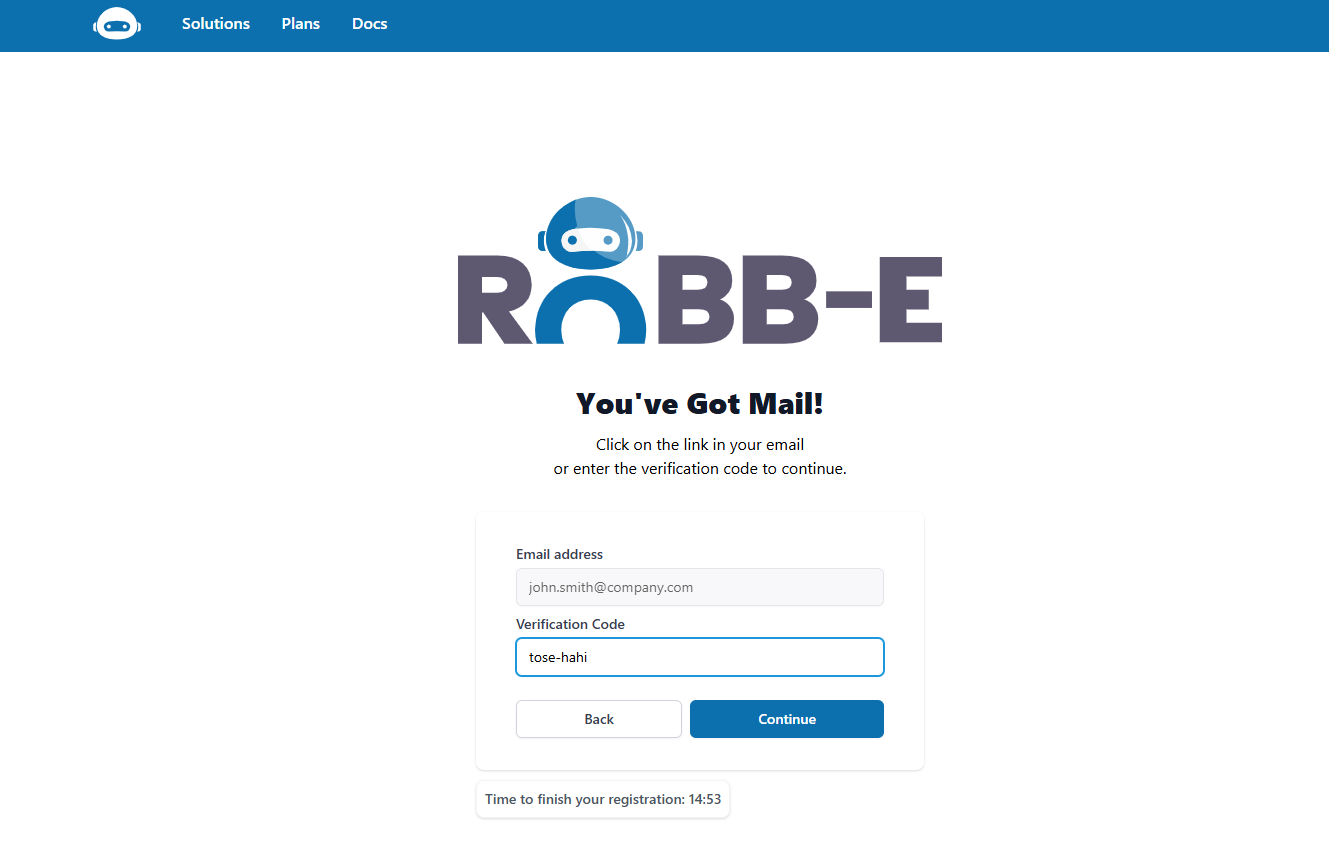
- You will an email with a verification code, simply copy a code or use the link included
- Click "Continue".
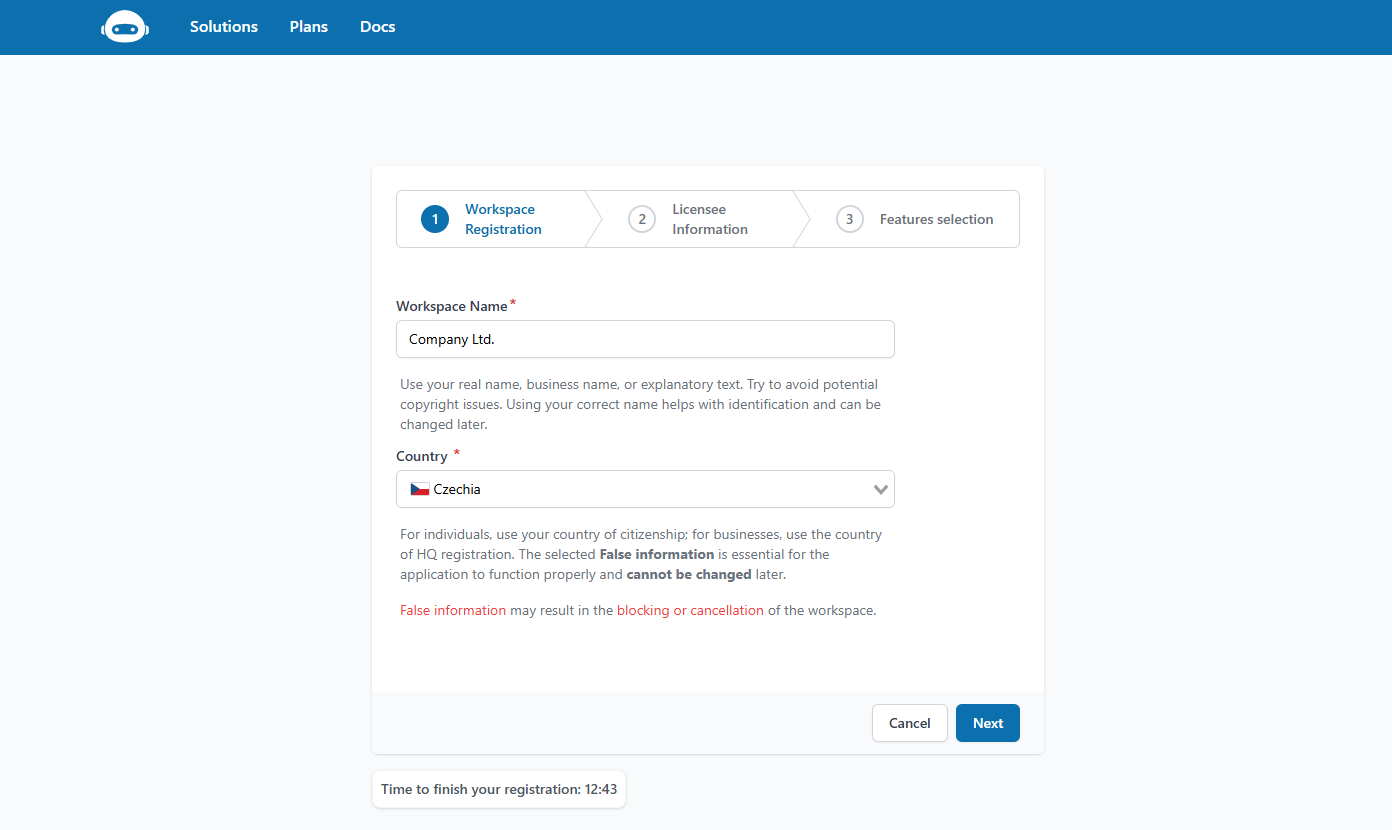
- Set the "Name" and the "Country" for your workspace.
Licensee Information:
- Click "Next" to fill out your address (for some countries, this step is optional).
- Click "Next".
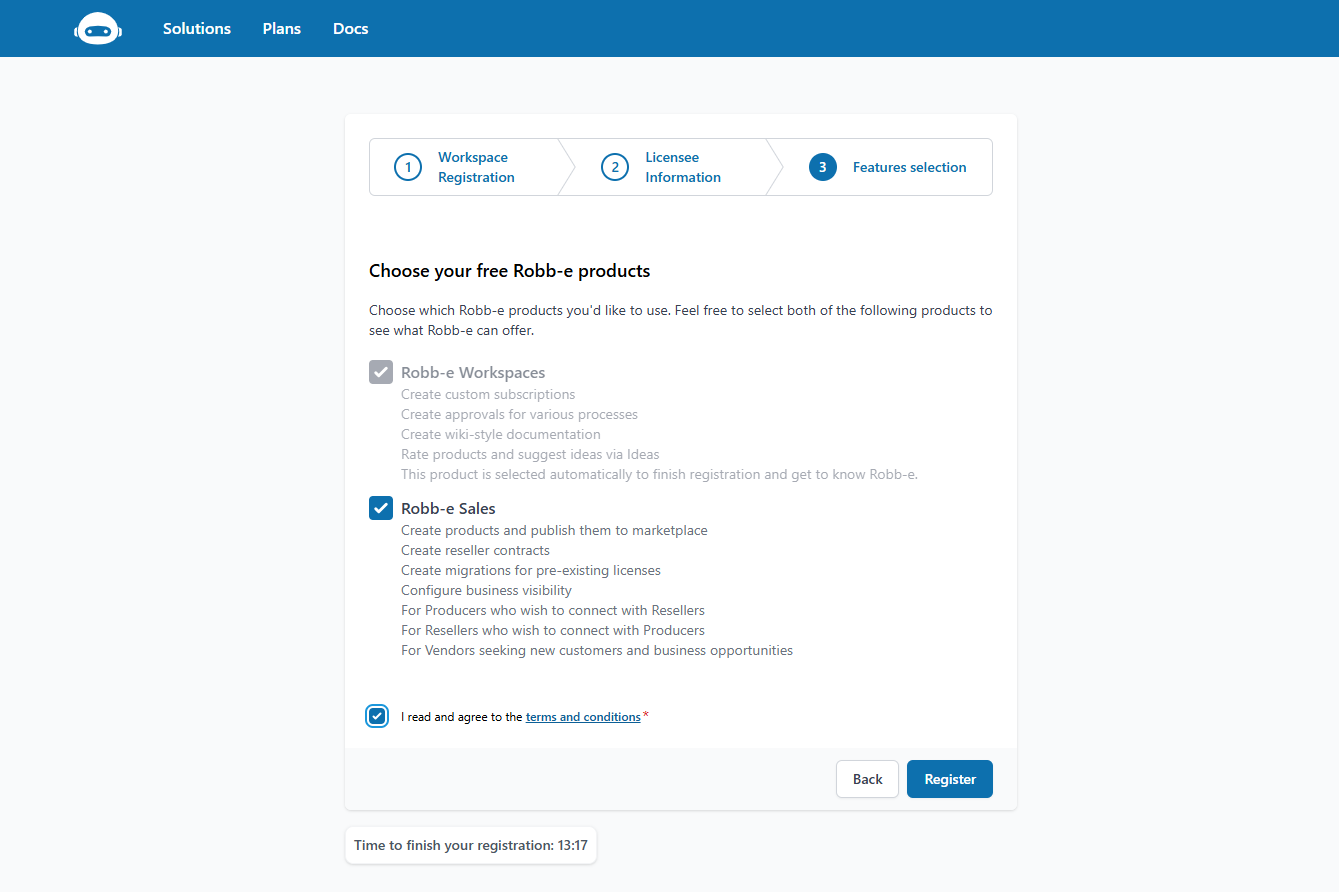
Features Selection:
- You can continue with free Robb-e Workspaces product only (mainly for customers) or
- Select free Robb-e Sales product to review all features for Producers and Resellers
- Click "Register"